Talking to Ellie: Push-to-talk vs Conversation Mode
Two ways to talk to Ellie instead of typing — hold-to-talk for a quick question, or hands-free Conversation Mode.

You can talk to Ellie instead of typing, in two different ways. They look similar but behave differently, so here's the distinction.
Push-to-talk
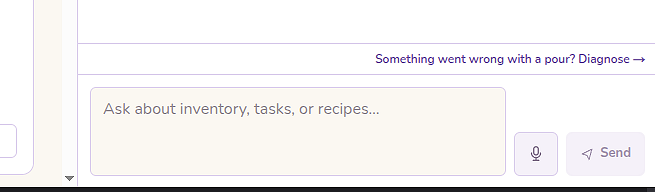
Hold the mic button — or hold Space or Enter — speak, then release to send. It's the quick-question option: press, talk, let go.
Heads up: Push-to-talk needs you to hold. A quick tap captures nothing — keep it held down while you speak.
Conversation Mode
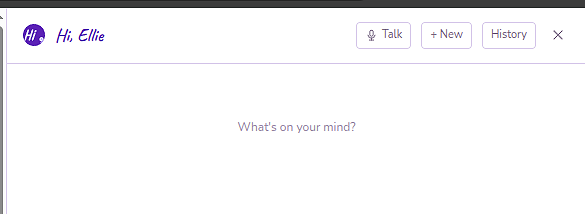
For hands-free, flip the header Talk toggle on (Conversation Mode). Ellie listens continuously, so you can go back and forth without touching anything — handy at the bench.
They don't run at once
Heads up: The two are mutually exclusive. When Conversation Mode is on, the push-to-talk mic button greys out — you're in one mode or the other, not both.
You can choose which of Ellie's voices she answers in from Settings.