Blending scents in the Scent Studio
The Scent Studio is Ellie's fragrance-blending bench — describe a mood and she composes a blend from the oils on your shelf, then saves it or seeds a recipe.

The Scent Studio is the scent side of Inspire. Instead of pulling a color palette from a photo, you give Ellie a mood or a scent family and she composes a fragrance blend from the oils in your pantry — with each oil's share of the blend and how well it fits.
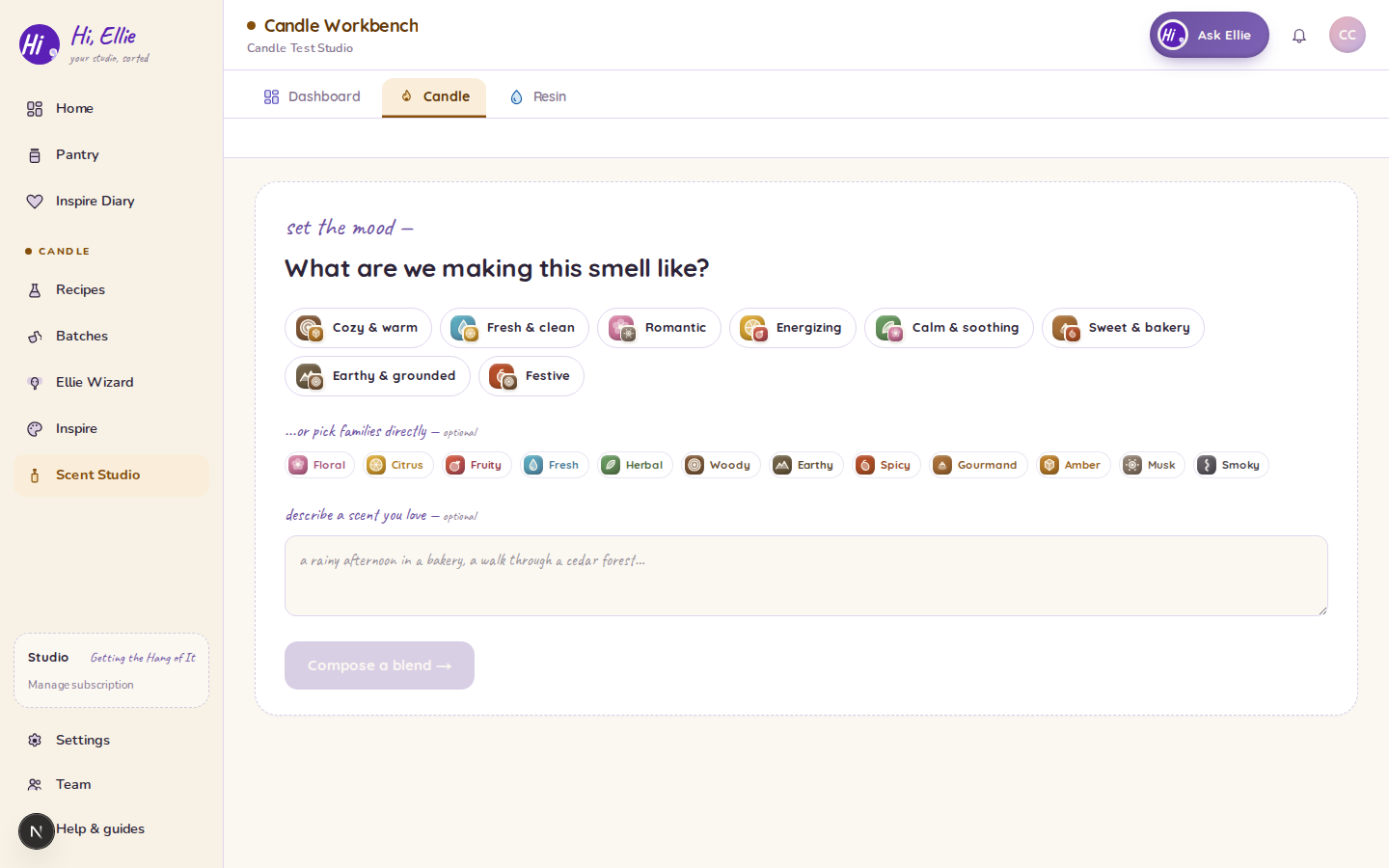
It lives in your candle workspace's menu as Scent Studio, alongside the Ellie Wizard and Inspire. (It appears for scent crafts — candle and Bath & Body — not for resin.)
How it works
- Describe the mood. Pick a mood or scent family — cozy, fresh, gourmand, woody — or type your own direction.
- Ellie composes a blend. She reads your fragrance shelf and proposes a blend of oils, each with a share of the blend and a fit read against your mood.
- See what's missing. If the mood calls for a note you don't stock, Ellie shows the gap so you know what would round it out.
Each run counts as one session, and the counter works like your Inspire sessions — a few per month on the free plan, resetting on the 1st.
From a blend to a candle
A blend on its own is a starting point. From the results you can:
- Save it to your diary, so a blend you like is there next time — your Scent Studio blends live in the same Inspiration Diary feed as your Inspire palettes.
- Seed a recipe, handing the blend to the candle wizard so Ellie can build a full recipe — wax, load, wick — around it.
Good to know: the Scent Studio works in shares of the blend (how much of each oil relative to the others). The actual fragrance load — how much total fragrance goes into the wax — is set later in the recipe, as a percentage of the wax weight and within your oils' supplier maximums.