Scan a label: adding items by barcode
Point your camera at a product barcode and let Ellie start the pantry entry for you — quickest on a phone.

If a product has a barcode, you can let your camera do the typing. Scan a label reads the code and gets a head start on the pantry entry.
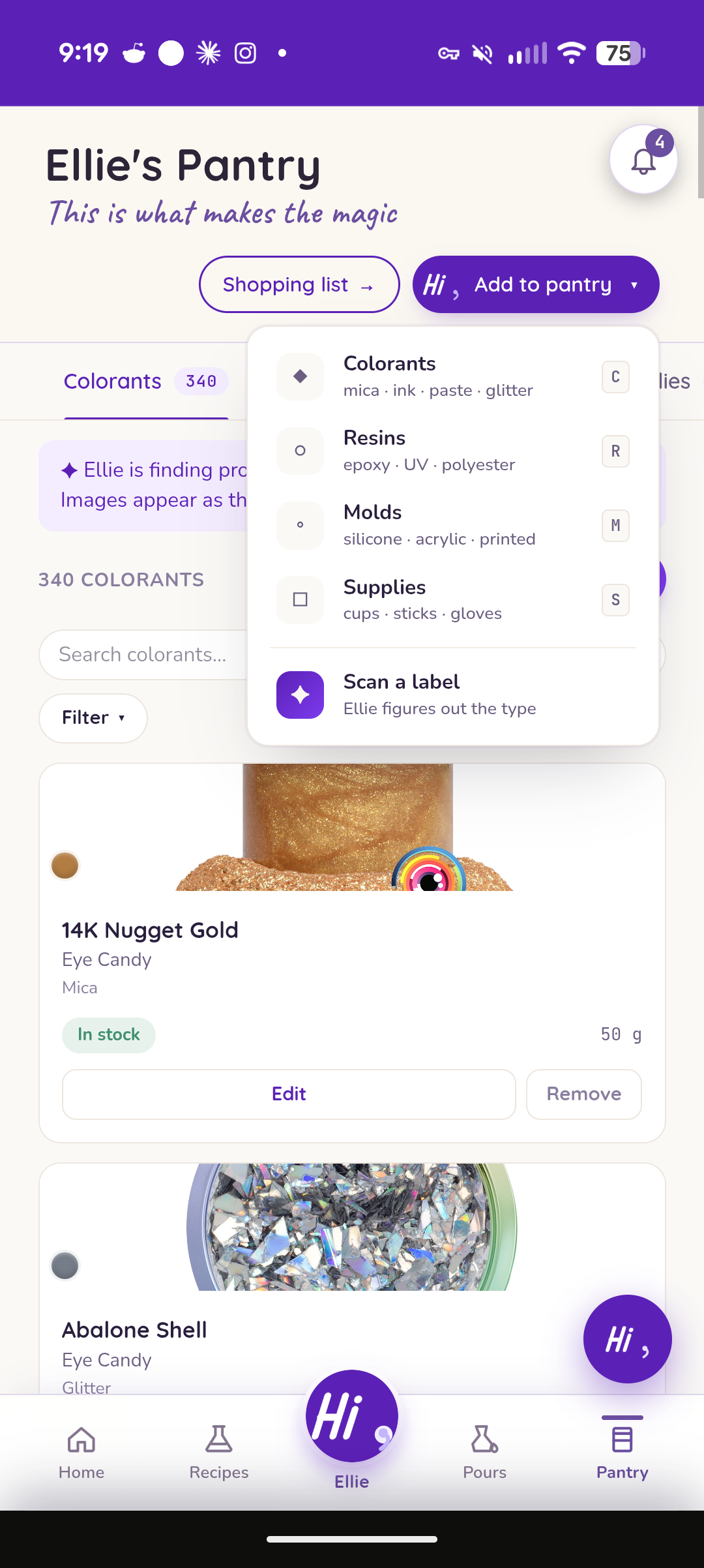
Scanning
Open Scan a label and either take a photo of the barcode or type the UPC by hand. Ellie reads it and takes a guess at the item type to get you started.
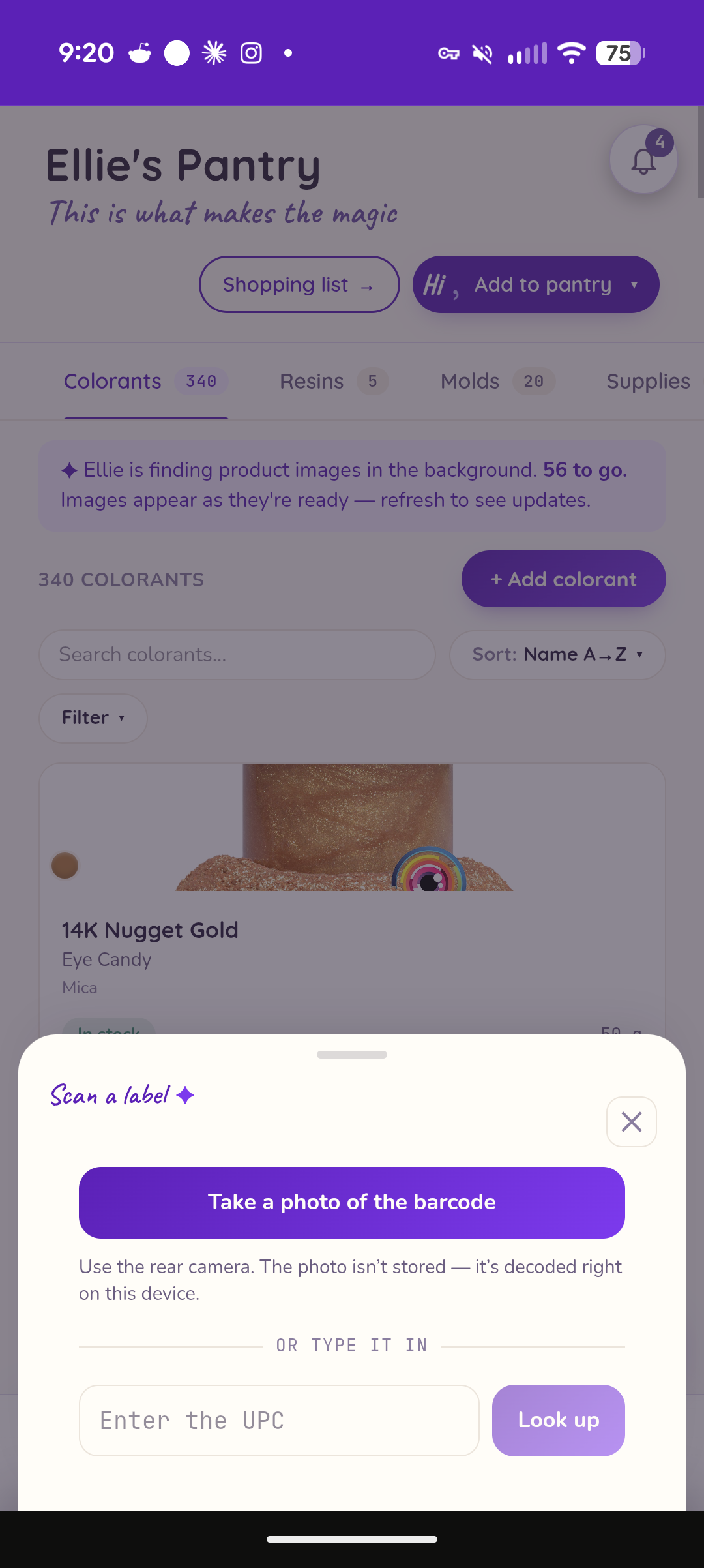
When there's no match
Not every code is in a database. Many resin, colorant, and mold manufacturers don't provide a barcode for their products. Scanning is most useful with supplies. If Ellie can't find a match, she falls back to manual entry so you can fill in the details yourself — nothing is lost.
Heads up: This works best on a phone or the installed app. If your browser doesn't support the camera scan, you can still type the UPC in by hand. The barcode photo is read on your device and isn't stored.