Refining and reading your generated recipe
Once Ellie generates a recipe, you can talk it into shape in plain language — then save it or start fresh.

When Ellie finishes a recipe, you're not stuck with the first draft. You can read it over and talk it into shape before you keep it.
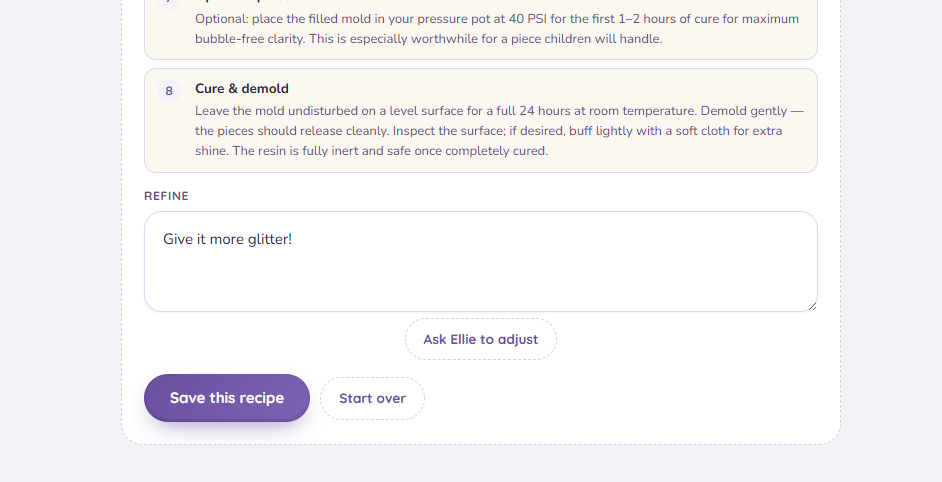
Reading what she made
The generated recipe lays out the same parts you'd see anywhere — resin, colorants with amounts, and the steps in order.
Heads up: A material-cost (COGS) chip only shows on the Maker plan. If you don't see one on the free plan, that's expected, not a bug — see Material cost (COGS).
Adjusting it
Tell Ellie what to change in plain language — "make it more teal," "fewer steps," "smaller batch" — and she reworks it. Sometimes she'll ask a clarifying question first to get it right.
Heads up: Each rework is another generation against your monthly count — see the free-plan session limit.
Save or start over
When it's right, Save it to your library. Or Start over to go back to the beginning. Ellie will remember your settings, so you can start again with the same resin, colorants, mold, and experience level.