Conversation history: revisiting past chats with Ellie
Every conversation you have with Ellie is saved. Here's how to find and reopen past chats.

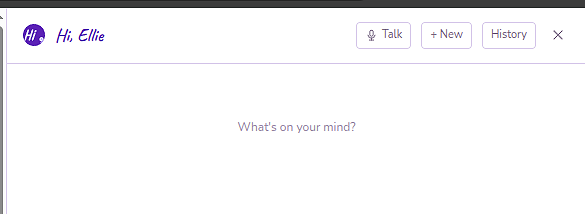
Every conversation you have with Ellie is automatically saved. You can reopen any past chat, pick up where you left off, or review what Ellie told you before.
Opening your history
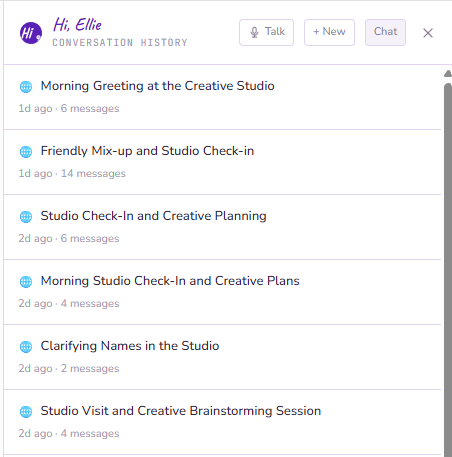
Tap History in the assistant dock header. A list of your past conversations appears, most recent first.
Each conversation shows:
- The first message or a generated title
- The date
- A platform badge — 🌐 for web, 📱 for mobile — showing where the conversation started
Reopening a conversation
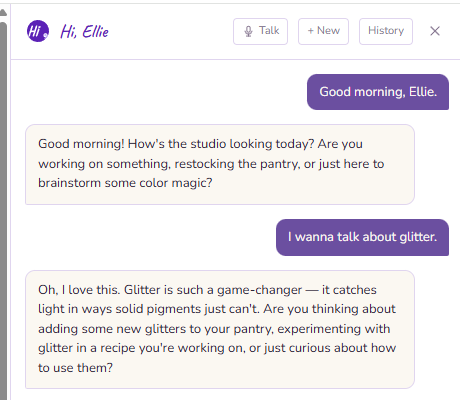
Tap any conversation in the list to reopen it. The full chat loads and you can continue from where you left off — Ellie remembers the context of that conversation.
Starting fresh
To start a new conversation from scratch, tap + New in the dock header. Your previous conversation is saved and accessible from History — starting a new one doesn't delete anything.
Untitled conversations
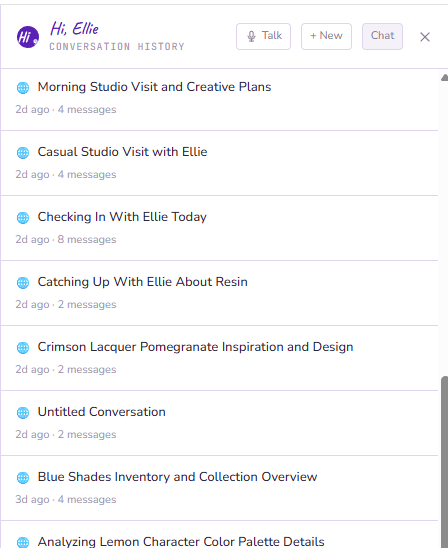
Short conversations that didn't generate enough context for a title show as Untitled. You can still open and read them — the content is fully saved.
How long conversations are kept
Conversations are kept indefinitely. There's no automatic expiry or deletion.