Your recipe library: browse, search, and delete
Every recipe you save lands in your library — browse the cards, search by name, and open one to see it in full.

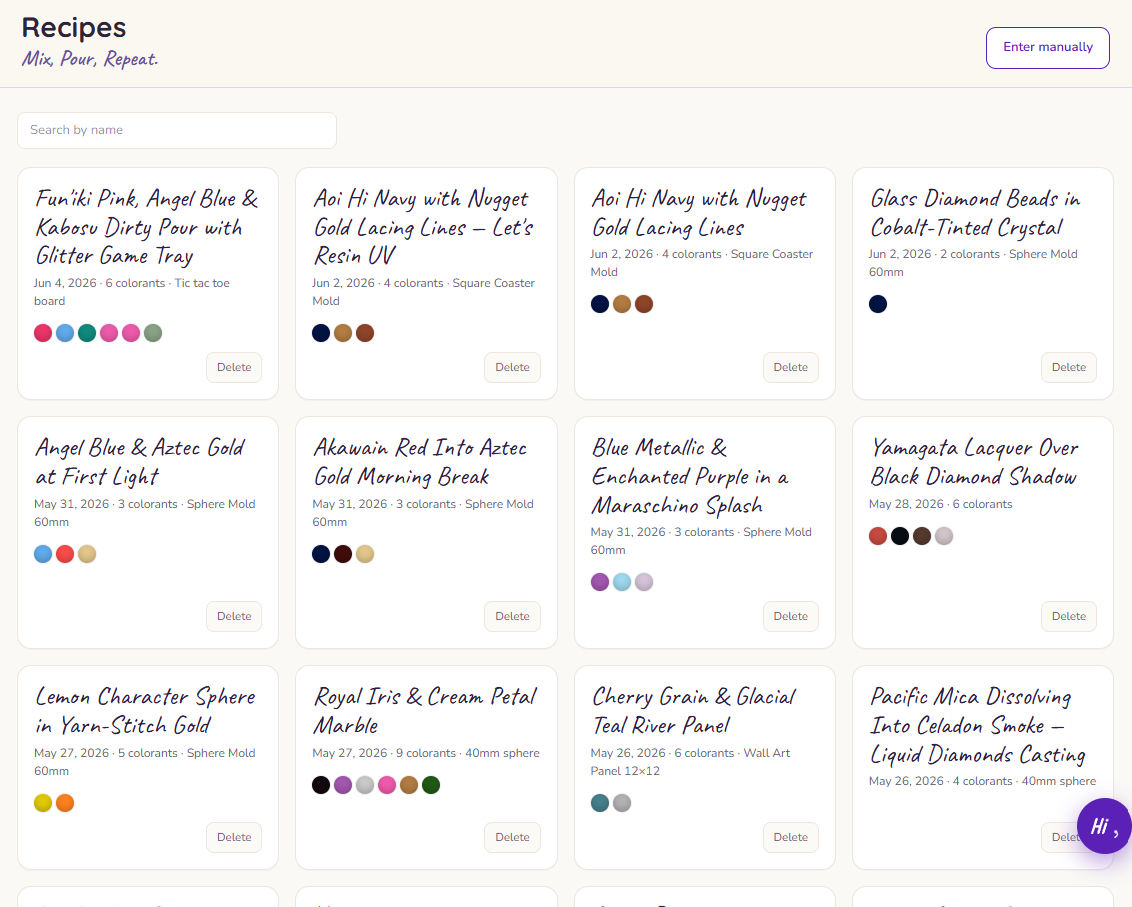
Every recipe you make — whether Ellie generated it or you entered it by hand — lands in your library. It's home base for everything you've created.
Browsing your recipes
Recipes show as cards, each with a little swatch strip previewing its colors so you can spot the one you want at a glance. Tap a card to open the recipe in full.
Heads up: A lavender swatch just means that color isn't matched to a colored pantry item yet — it's a stand-in, not a lost or broken color.
Finding a recipe
Search by name to jump straight to the recipe you're after. Before you've saved anything, you'll see an empty state inviting you to make your first one.
Deleting a recipe
You can delete a recipe from its card.
Heads up: Deleting is permanent — there's no trash to recover it from. Make sure it's one you really don't need before you remove it.