Your pour history
A newest-first record of every pour or batch — resume one in progress, filter by recipe or outcome, and revisit how a piece turned out.

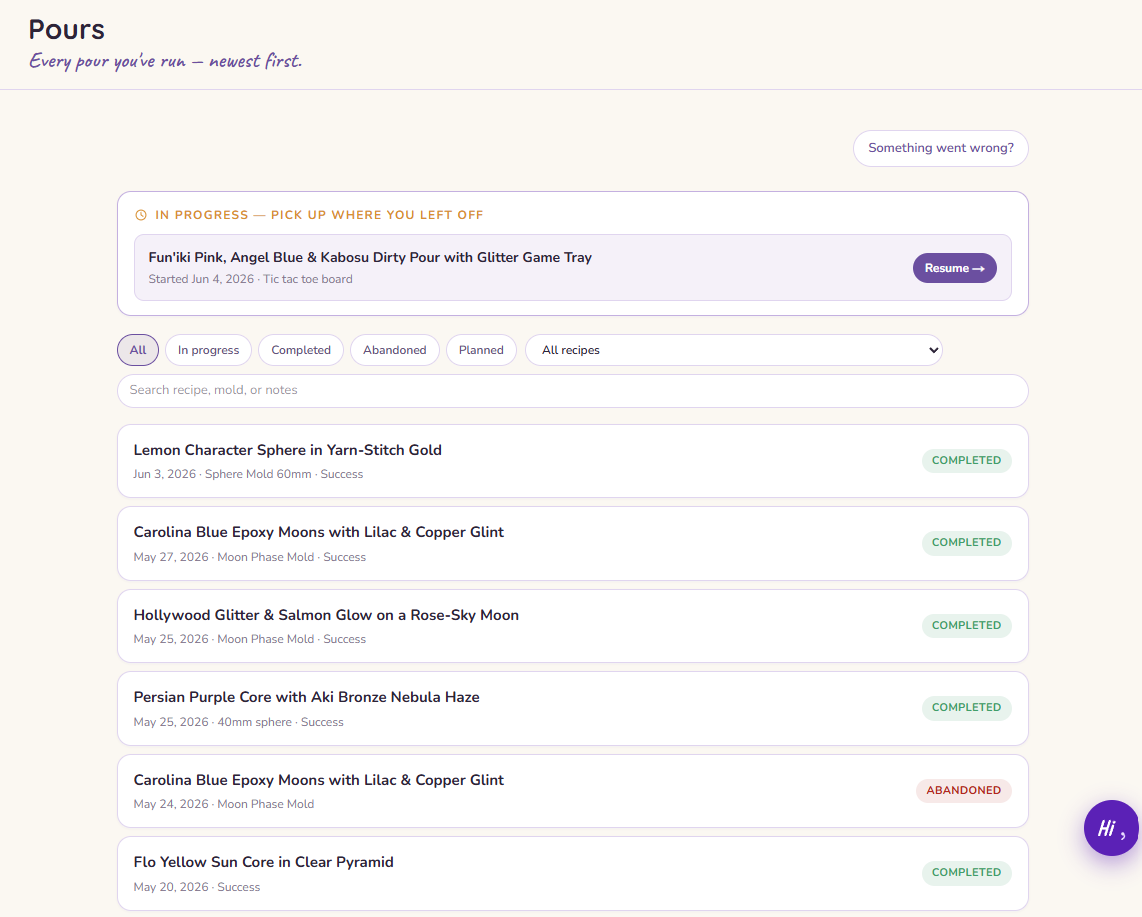
Your pour history is the record of everything you've poured or batched, newest first. It's where you pick up a pour or batch you paused, look back at how past pieces turned out, and find the one you want to make again.
What you'll see
Each entry shows its recipe and when you ran it, with a couple of badges at a glance: a status badge for where it is in its life, and an outcome badge for how it turned out once you've logged that. The most recent ones sit at the top.
Picking up where you left off
Started a pour or batch and stepped away? Any session still in progress shows in the Resume rail at the top of the page. Tap it to drop right back into the guided session where you left off.
Finding a specific pour
When the list gets long, narrow it down. Filter by status or by recipe, or search by name to jump straight to the one you have in mind.
When something went wrong
If a piece didn't set the way you hoped, the "Something went wrong?" entry takes you into Ellie's diagnosis flow — describe what happened and she'll help you work out why, so the next one goes better.